Roman Fradin
A more efficient engineering firm starts with a CAD assessment
What is myCADsuite?
myCADsuite is the Visiativ suite designed for engineering firms that use SOLIDWORKS. It helps your teams ensure the reliability of their CAD data, design faster, and share product data beyond the engineering department. It is deployed gradually, at a pace tailored to your level of maturity: you start by measuring, then you improve, connect, and manage.

What's holding a design firm back lies in its CAD data
Over time, files pile up, conventions vary from one designer to another, and the links between parts, assemblies, and drawings become fragile. These issues remain hidden until they are measured.
Which is the correct version? Duplicate files and references complicate searches, lead to multiple versions, and increase the risk of manufacturing errors.
Unreliable bills of materials: Missing or inconsistently entered properties mean that the data feeding bills of materials, title blocks, and exchanges with other departments loses its reliability.
Broken links: Heterogeneous file structures and fragile file paths lead to lost references, incomplete assemblies, and costly rework.
Four Steps to Move from Assessment to Action
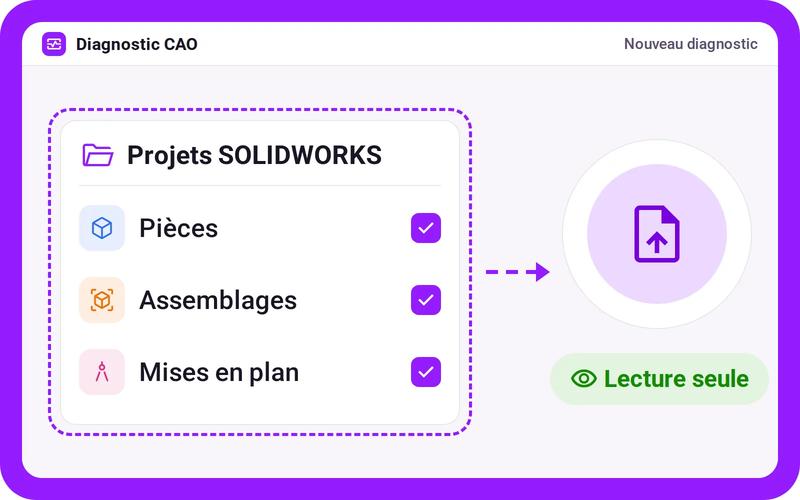
The myCADsuite diagnostic tool is a standalone application. It analyzes a subset of your SOLIDWORKS data and identifies bottlenecks without making any changes to your files.
Import
Select the SOLIDWORKS data set to be analyzed. The diagnostic tool reads your files; it does not modify them.
You’ll get: a data set ready for analysis
Analyze
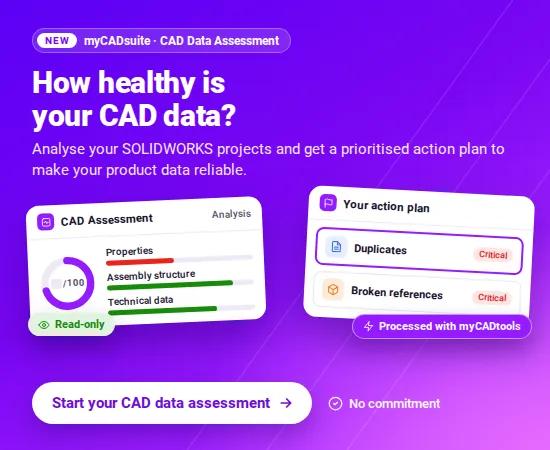
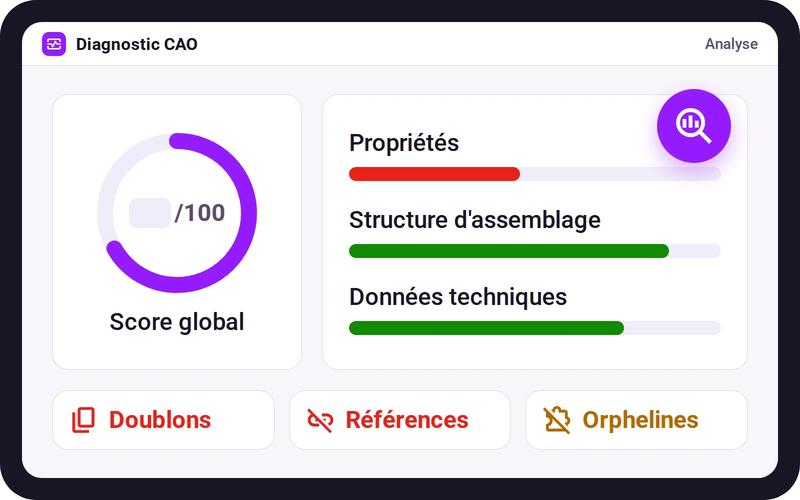
The automated analysis calculates an overall score and scrutinizes your data for duplicates, properties, structures and assemblies, configurations, versions, and paths.
You get: a score and your areas of concern
Action Plan
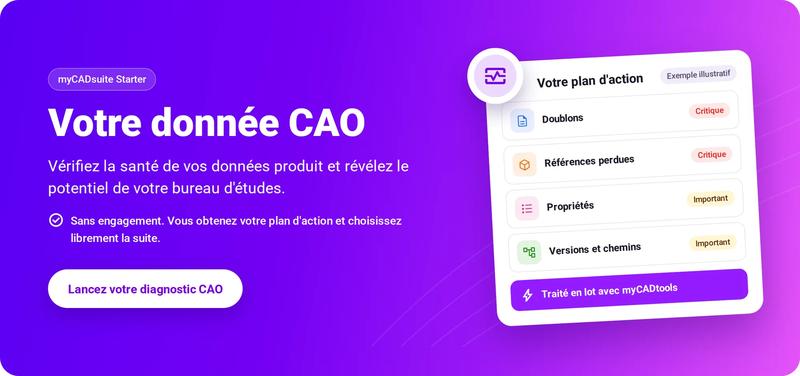
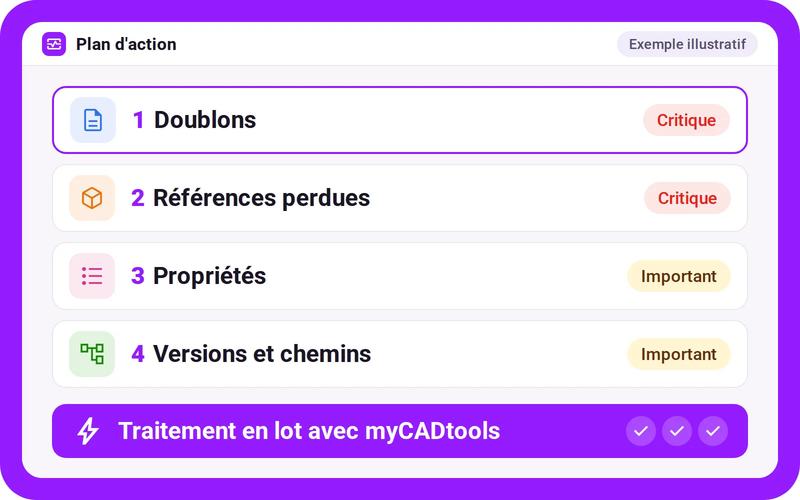
Each pain point becomes a prioritized step (critical, important), broken down into sub-steps and processed in batches with myCADtools.
The result: a concrete roadmap
Next Steps
You decide what to do next: proceed on your own with the myCADsuite modules or get support from a Visiativ expert.
It’s up to you: no prior commitment required

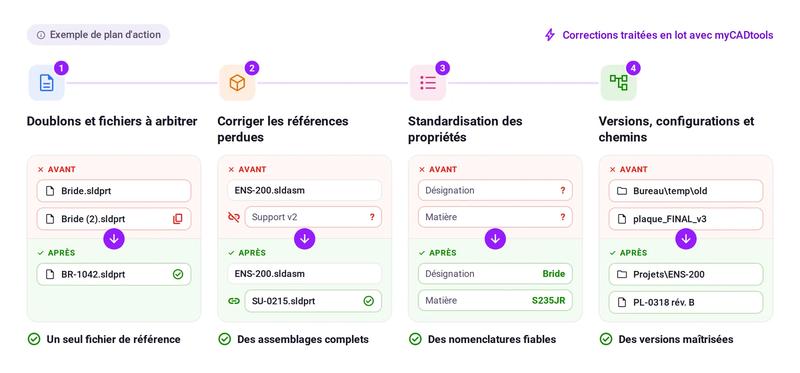
An action plan that fixes your files—not just a note
Each step is processed in batches using myCADtools: your corrections are applied with just a few clicks.
Mass Resolution of Duplicates
Standardized properties
Naming according to your rules
Each step documented
Your CAD Assessment: The First Step Toward Structured Product Data
Once you’ve identified your priorities, myCADsuite supports you every step of the way—from individual productivity with SOLIDWORKS to managing the design office and product data governance.
01 Diagnosis
An assessment of your CAD data quality
Errors identified and prioritized
A clear starting point for progress
02 Accelerate Design faster, with fewer errors
SOLIDWORKS automation with myCADtools
Best practices shared across the entire team
Structured, coordinated, and monitored projects
03 Manage and Connect Manage the design office and share product data
Engineering department activity and performance are managed—the entire company can view product data
Reliable data, seamlessly integrated with the ERP
The BOM published directly from CAD
04 Governing Product data governed across all your sites
Structured BOMs synchronized with the ERP
Technical documents managed and shared
Executive oversight of the design office and supervision of workflows
A multi-site and international organization

Self-paced course: You’ll work through the exercises using the myCADsuite modules.
Ideal for a design firm that wants to see initial results quickly.
Prioritized tasks, ready to be processed
Tools identified for each step
New assessment to track your progress
Guided track: A Visiativ expert leads the transformation alongside you.
Ideal when projects involve multiple teams, multiple sites, or systems connected to CAD.
Expert analysis of your results
A roadmap tailored to your organization
Implementation of modules and monitoring of results

No commitment: myCADsuite Starter requires no commitment. You run the diagnostic and then decide.
Your files remain intact: The diagnostic identifies issues—it doesn’t fix anything for you. Your data stays exactly as it is.
An actionable result: Not just a score—a prioritized action plan linked to the solutions that address the issues.